01 / CONTROL
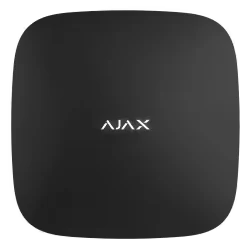
The hub
The control panel links compatible detectors and sends alerts through the chosen connection. Hub models differ in connectivity and photo-verification support, so we specify the one that suits your site.

Plan an Ajax alarm around your entrances, rooms and routines. Howard at Aerial Wizard installs the alarm; together, the OPSIS team can coordinate it with your CCTV and network setup.
Plan your alarm ↗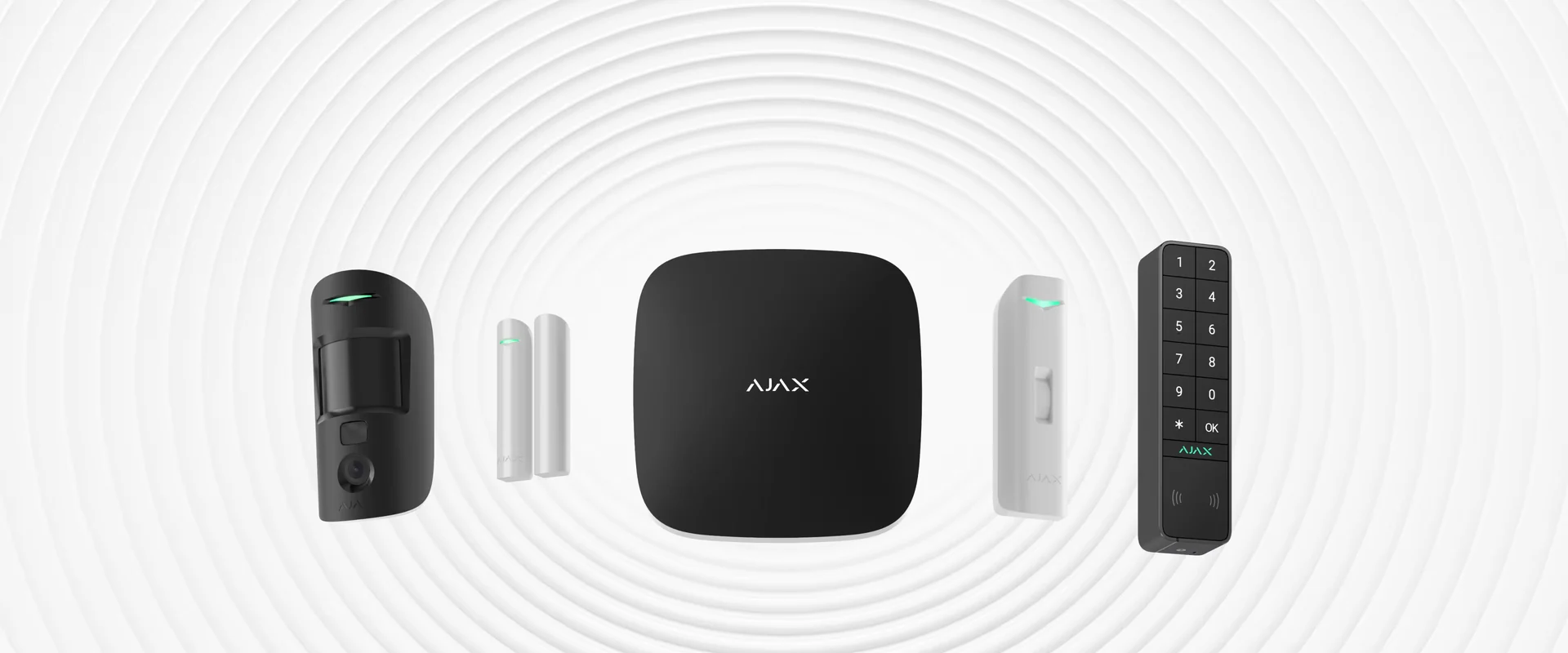
We discuss the ways into your property, the areas you want protected, who needs to arm the system and what should happen when it triggers. Howard can then plan detector positions, the hub, keypad and siren around the layout. For a finished home or business, Ajax's wireless Baseline range can keep new cabling to a minimum.
You get a clear proposal for the actual devices, installation and handover. We check signal coverage, hub connectivity and device compatibility before calling any feature part of your system.
These are examples from Ajax's current Baseline intrusion range. The final specification depends on your building and the agreed design.
The control panel links compatible detectors and sends alerts through the chosen connection. Hub models differ in connectivity and photo-verification support, so we specify the one that suits your site.
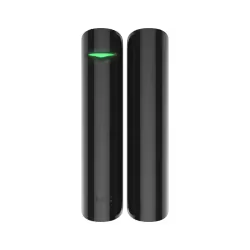
Opening detectors can cover selected entry points. We position them around the doors and windows that matter, with further shock or tilt detection considered where appropriate.
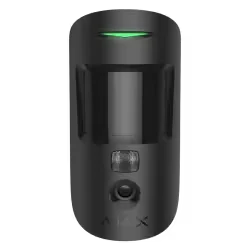
Motion detectors cover selected spaces. A compatible MotionCam can capture images when an alarm occurs, helping you assess what triggered it. We confirm the detector and hub support the chosen feature.
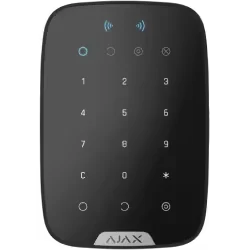
Choose suitable keypads, fobs and app control for the people using the building. We configure access and notifications together, then show you how to arm, disarm and manage the system.
Product photographs: Ajax Systems Baseline catalogue. Ajax is a trademark of its owner; OPSIS is independently operated.
We discuss day-to-day arming, who receives notifications, what happens during an internet or power problem, and how you will get help later. Sirens, additional detectors and monitoring options can be considered where they suit the property; they are not assumed to be included in every quote.
Ajax's app lets authorised users manage compatible systems and receive alerts. The exact functions depend on the hub, devices, connection and configuration. We include a practical handover so you know what has been set up.
Walk through entrances, coverage and how the property is used.
02Agree compatible equipment and a clear installation scope.
03Fit, configure, test and show you how to use the alarm.
If you also want cameras, we can plan the Ajax alarm alongside a Hikvision CCTV installation. Howard handles Ajax alarm installation. For CCTV, The IT Guy Bournemouth and Aerial Wizard plan, install, configure and support the system together.
Tell us your town or postcode, the kind of property and what you want to protect. Ask about an Ajax alarm →
Tell us what you need to see, secure or take over. We’ll work out the right next step.